Re: RTAB vs other scanning apps for iOS
Posted by matlabbe on
URL: http://official-rtab-map-forum.206.s1.nabble.com/RTAB-vs-other-scanning-apps-for-iOS-tp10615p10616.html
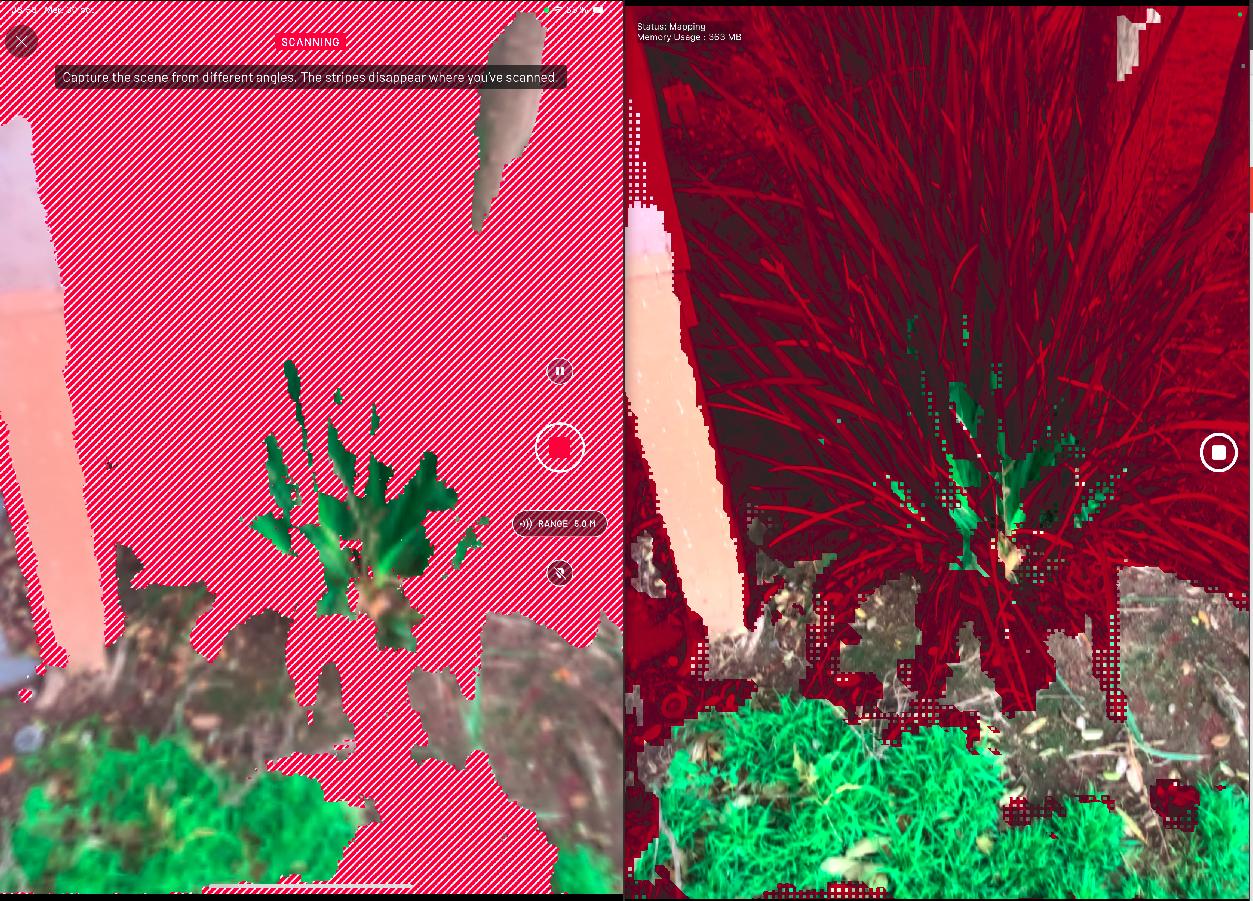
After a quick comparison with Scaniverse and rtabmap's depth confidence settings, it seems Scaniverse is using high confidence setting. Here is a single frame taken from both apps of the same thing (left=Scaniverse, right=RTAB-Map with high confidence):
In comparison, here RTAB-Map in medium and low confidences respectively:
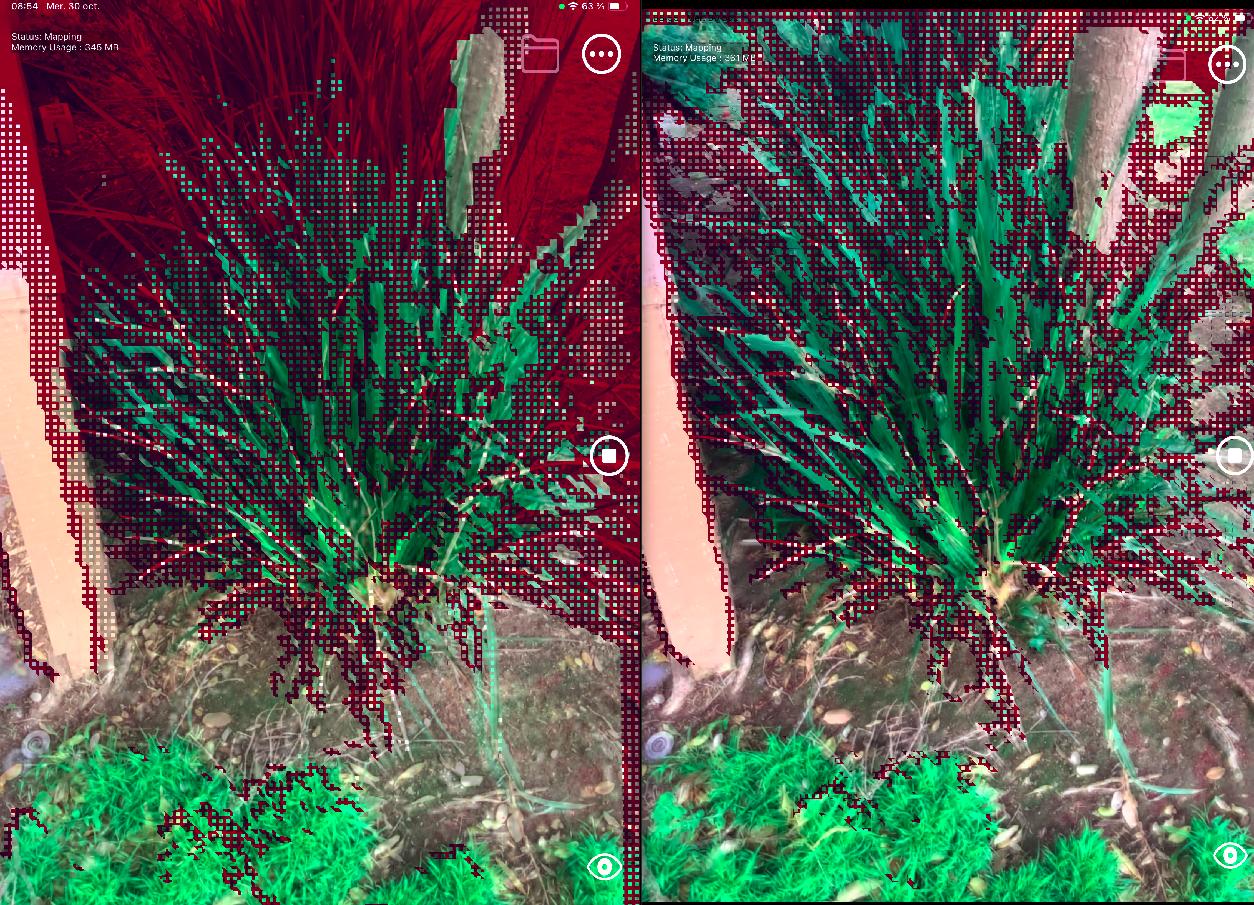
So, the data looks the same. Note sure why you mean by "Given the high quality achieved at such a speed" if both apps use same inputs. Their point cloud rendering looks indeed nicer, don't know if this is just that effect that gives the feeling of giving better results. In term of speed, I noticed that their output file (with raw data) is 4 times larger than RTAB-Map's output file, meaning they are maybe reocrding point clouds faster (5 Hz or even more). In RTAB-Map's Mapping settings, you can increase the frame rate at which we add cloud to the map, so that you can scan "quicker".
In term of meshing, they probably use a different approach than in RTAB-Map, though results look pretty similar.
cheers,
Mathieu
URL: http://official-rtab-map-forum.206.s1.nabble.com/RTAB-vs-other-scanning-apps-for-iOS-tp10615p10616.html
After a quick comparison with Scaniverse and rtabmap's depth confidence settings, it seems Scaniverse is using high confidence setting. Here is a single frame taken from both apps of the same thing (left=Scaniverse, right=RTAB-Map with high confidence):
In comparison, here RTAB-Map in medium and low confidences respectively:
So, the data looks the same. Note sure why you mean by "Given the high quality achieved at such a speed" if both apps use same inputs. Their point cloud rendering looks indeed nicer, don't know if this is just that effect that gives the feeling of giving better results. In term of speed, I noticed that their output file (with raw data) is 4 times larger than RTAB-Map's output file, meaning they are maybe reocrding point clouds faster (5 Hz or even more). In RTAB-Map's Mapping settings, you can increase the frame rate at which we add cloud to the map, so that you can scan "quicker".
In term of meshing, they probably use a different approach than in RTAB-Map, though results look pretty similar.
We have some noise filtering approaches in Desktop App (primarily based on filters that you can find on PointCloud Library), but we didn't add the options to iOS app.
Probably, as they seem recording same data. Note that you can set Point Cloud rendering to see better all points added in real-time. With the online meshing approach, some polygons may not be shown (even if the points are recorded) when angle difference between surface normal and the camera point of view is large (there is a setting to adjust that angle in Rendering options).
To try more settings, I generally load the map in RTAB-Map desktop app, then play with all options in Export Clouds dialog.
cheers,
Mathieu
| Free forum by Nabble | Edit this page |