Re: Painting a pointcloud.
Posted by Mikor on
URL: http://official-rtab-map-forum.206.s1.nabble.com/Painting-a-pointcloud-tp8130p8162.html
Hello Mathieu,
From the 2 options you gave me I tried the second one as the lidar scan is not dense enough and I do not want the lidar field of view affected. It seems that I get some colored points although they are too sparse and I wonder if I am doing something wrong.
First of all, when the lidar points are getting projected back on the images I get the following warning:
The camera model as it comes from the camera_info topic is
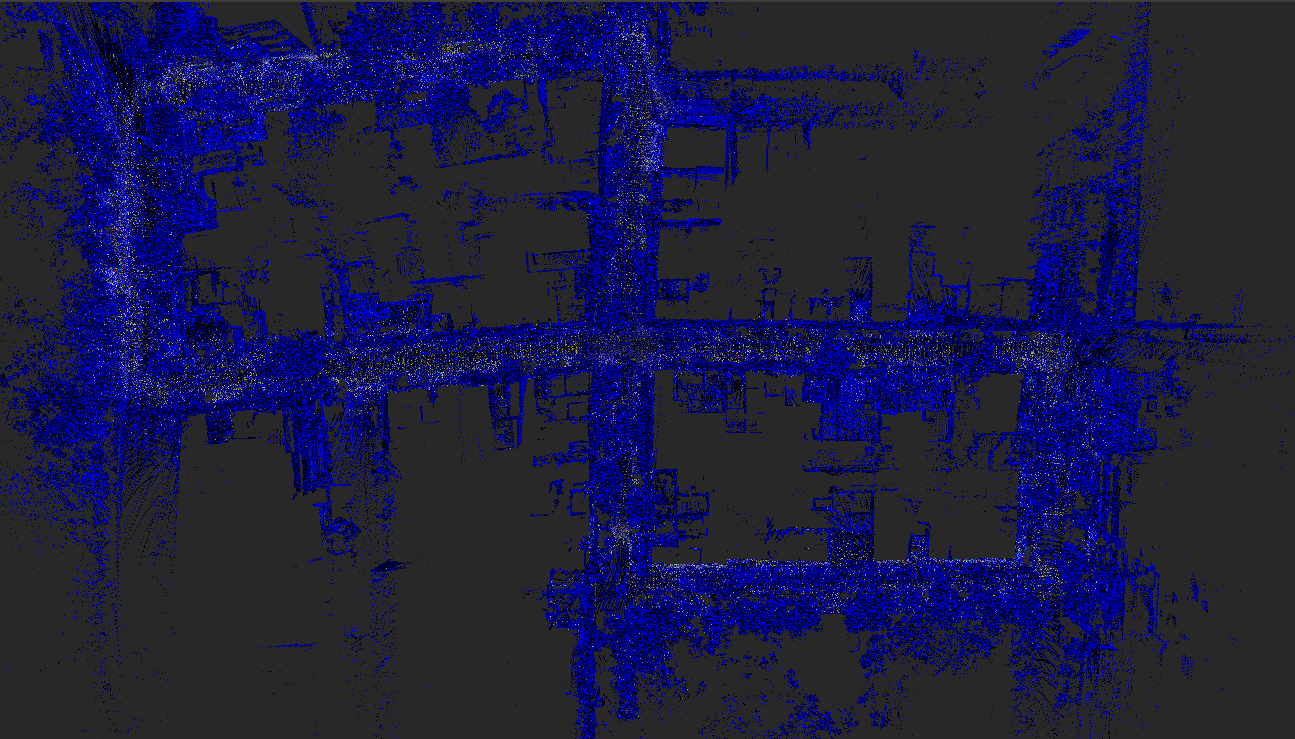
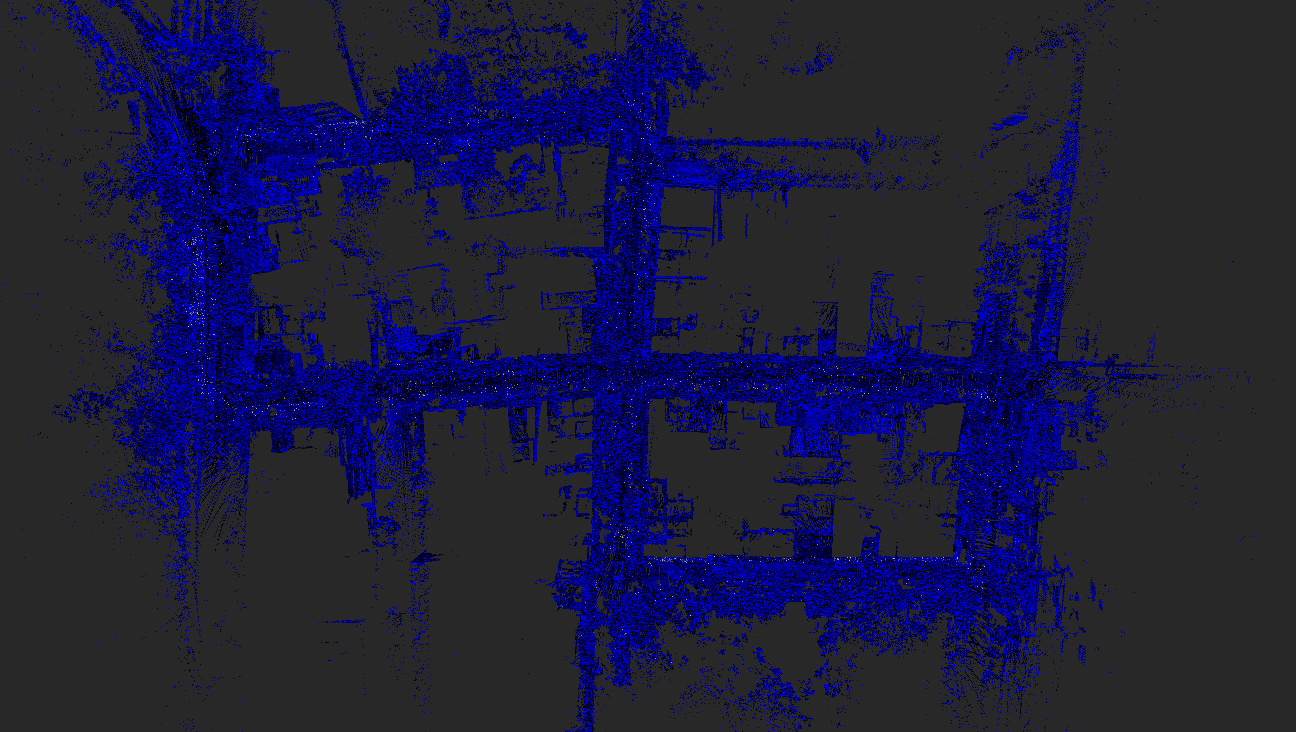
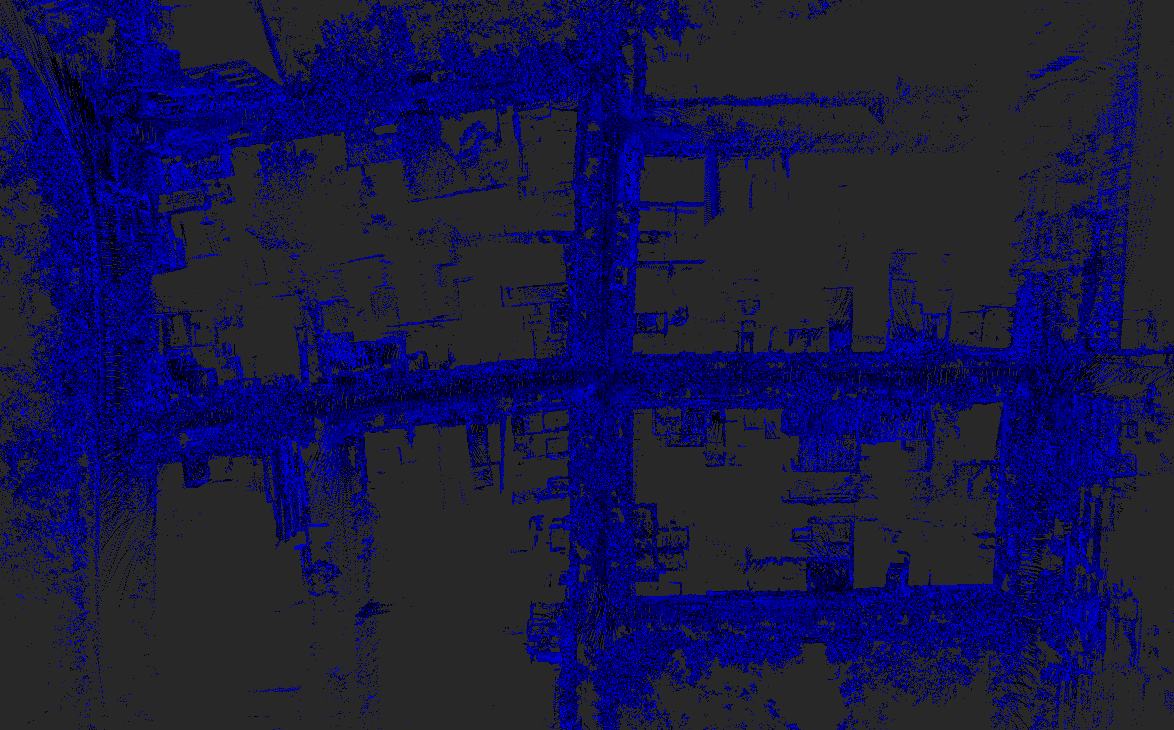
The point cloud I am getting is the following:
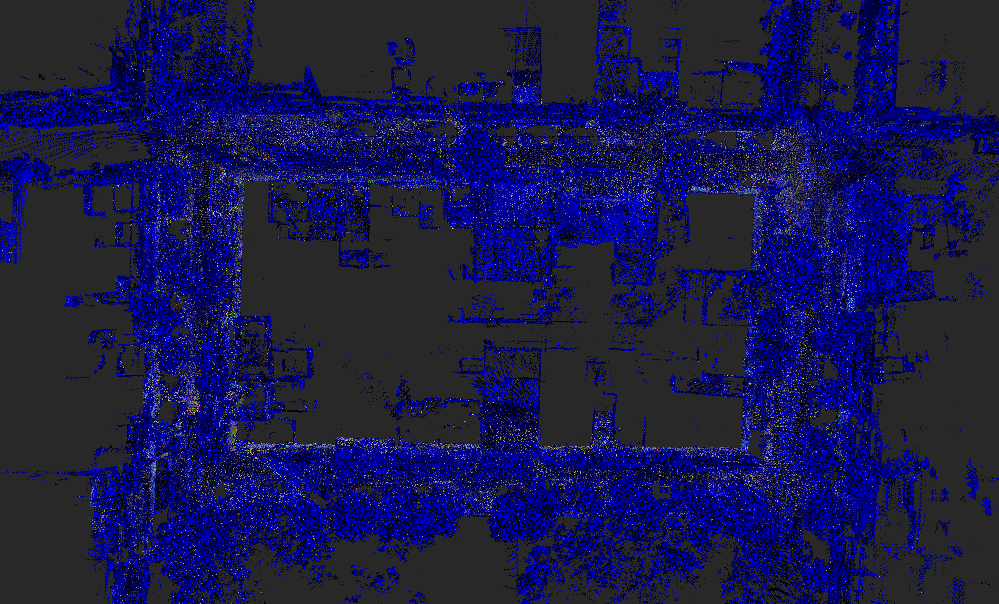
But the colored points are too sparse, in contrast to painting the cloud with another package for example autoware's pixel cloud fusion But at this case I lose lidar's field of view and odometry drifts.
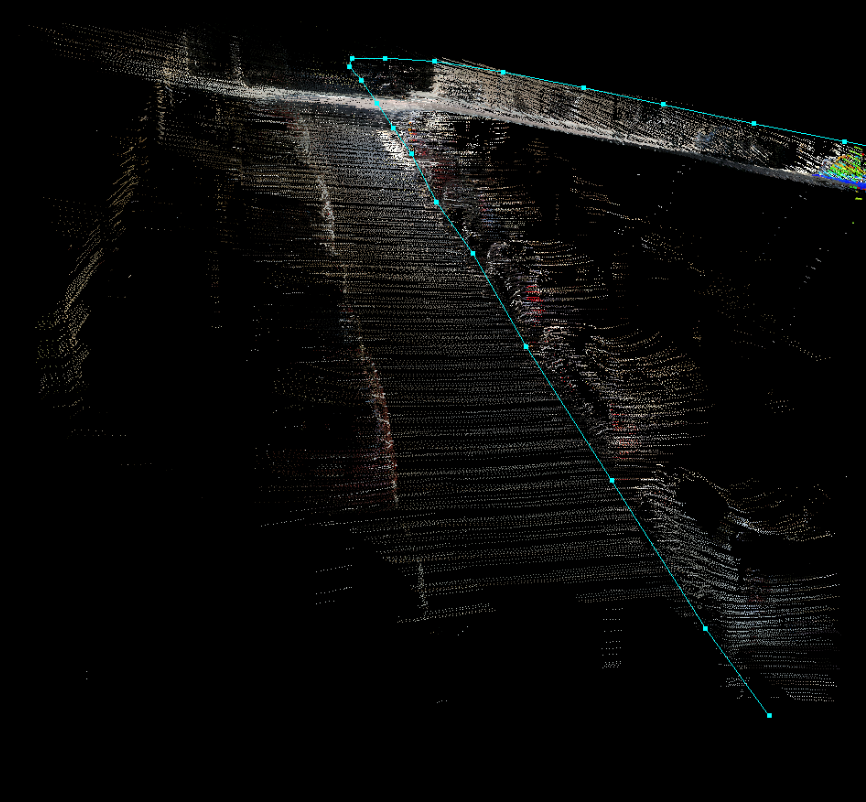
Does the sparsity of the colored points on rtabmap occur because it keeps the non colored points on the map?
Thanks in advance,
Anthony
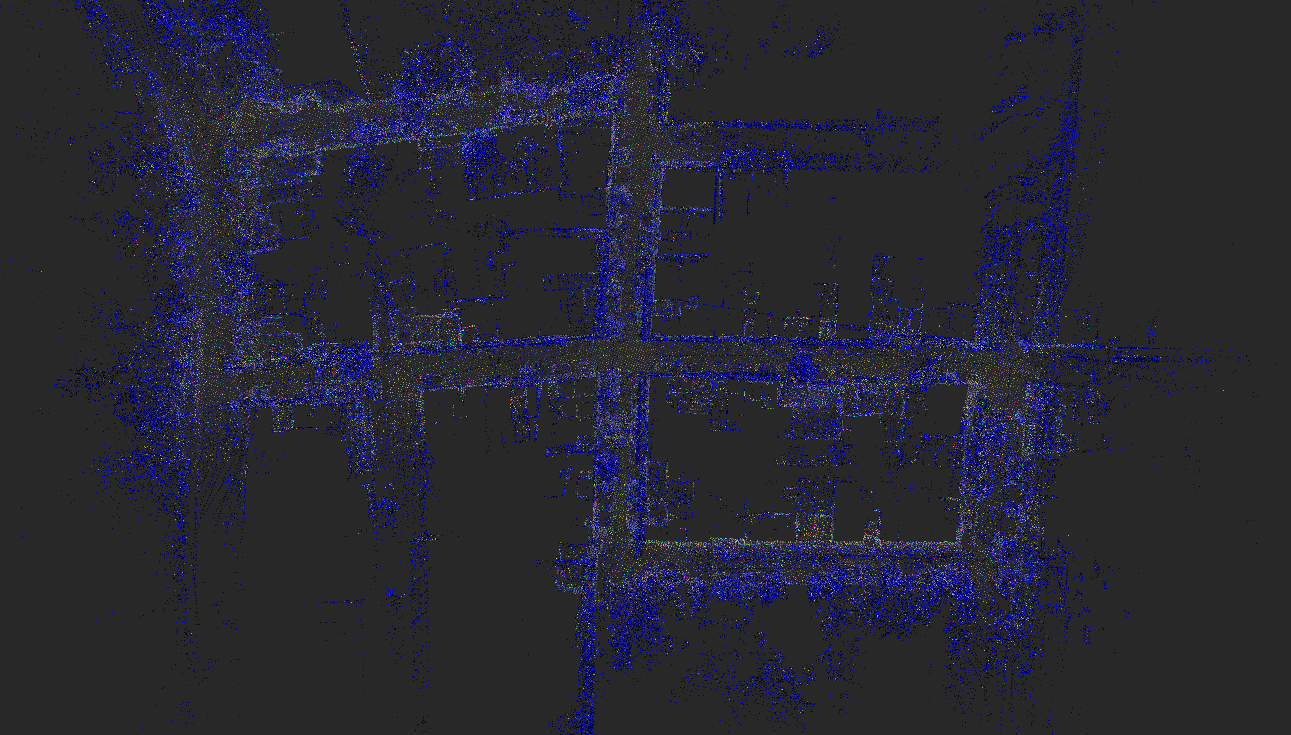
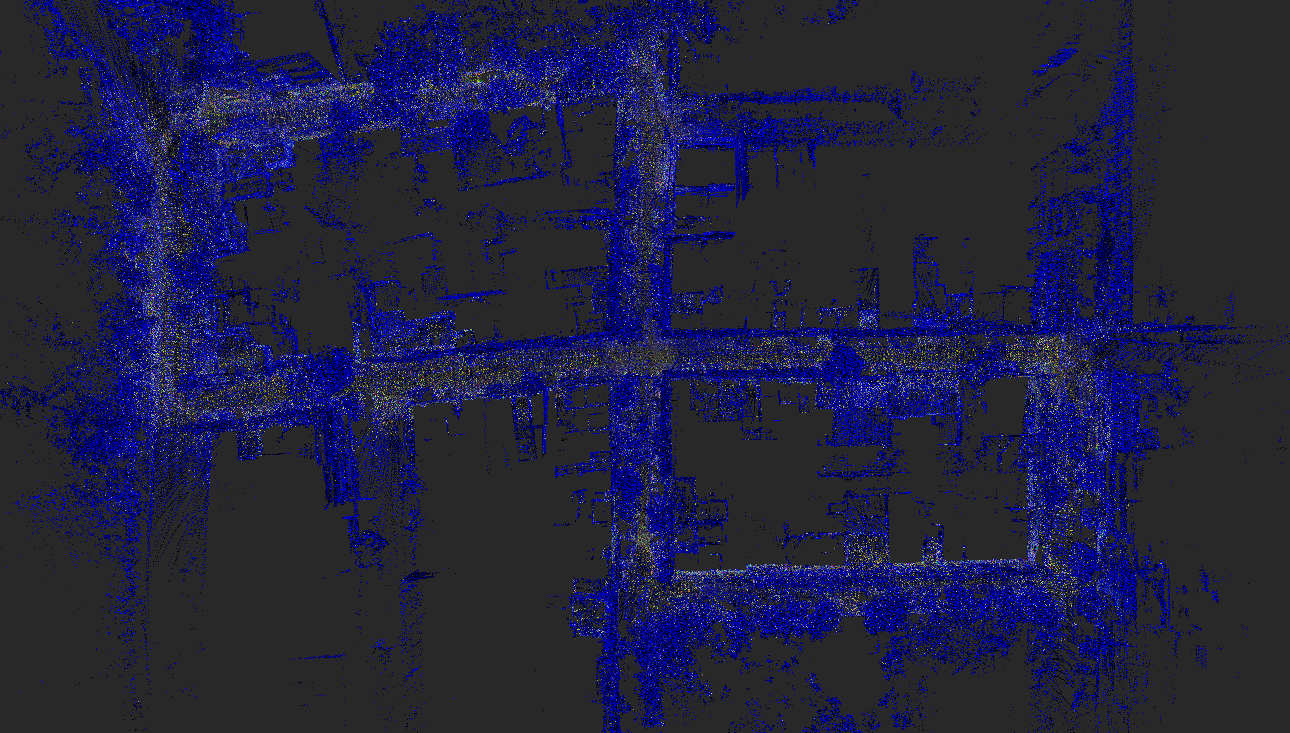
Edit: I noticed something strange when I change the voxel filter size. It seems like the density of the colored points is decreased when the voxel filter size is also decreased. Why is this happening?
URL: http://official-rtab-map-forum.206.s1.nabble.com/Painting-a-pointcloud-tp8130p8162.html
Hello Mathieu,
From the 2 options you gave me I tried the second one as the lidar scan is not dense enough and I do not want the lidar field of view affected. It seems that I get some colored points although they are too sparse and I wonder if I am doing something wrong.
First of all, when the lidar points are getting projected back on the images I get the following warning:
[ WARN] (2021-06-07 15:42:24.961) ExportCloudsDialog.cpp:2635::getExportedClouds() 7 node has invalid camera models,
The camera model as it comes from the camera_info topic is
plumb_boband taking it one step back, the images come from the D435's rgb sensor.
The point cloud I am getting is the following:
But the colored points are too sparse, in contrast to painting the cloud with another package for example autoware's pixel cloud fusion But at this case I lose lidar's field of view and odometry drifts.
Does the sparsity of the colored points on rtabmap occur because it keeps the non colored points on the map?
Thanks in advance,
Anthony
Edit: I noticed something strange when I change the voxel filter size. It seems like the density of the colored points is decreased when the voxel filter size is also decreased. Why is this happening?
| Free forum by Nabble | Edit this page |